fylm.ai: Color Grading, LUTs and Collaboration
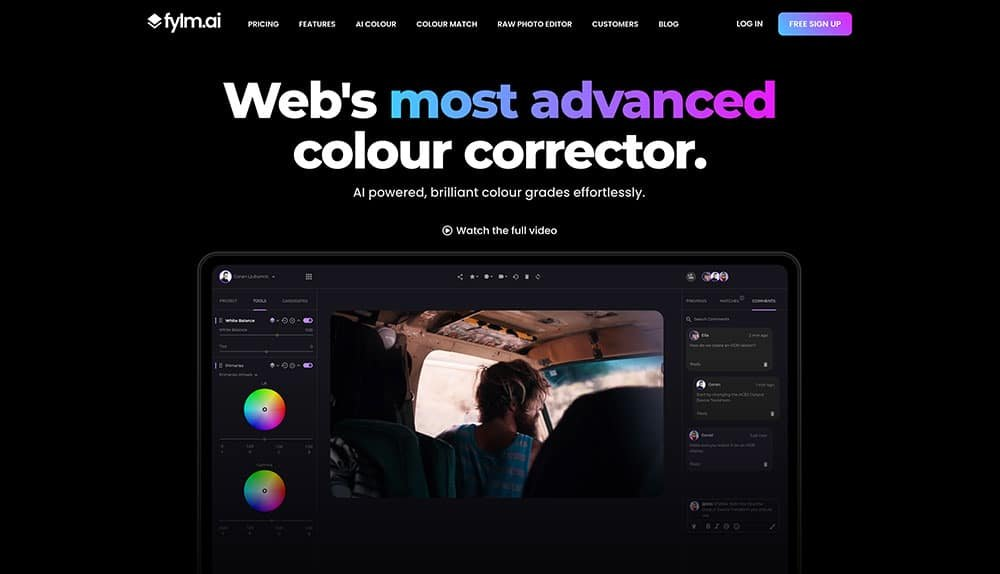
Colorists and teams evaluating a look-development workflow with a clear handoff to finishing.
What it does
fylm.ai’s public site describes cloud-based color grading and collaboration. A pleasing single-frame look is not proof that a grade transfers correctly across a sequence.
Who it suits
Keep input color space and the intended finishing environment fixed. Compare a sequence of representative shots rather than one flattering still. Record corrections after handoff so a look-development demonstration does not hide pipeline work.
Try it on a real task
Use shots from the same scene with different exposure and skin tones. Keep input transforms fixed and inspect the look in the actual finishing pipeline.
- Save the original input and define acceptable output before viewing a result.
- Check color-management compatibility, reproducibility and the number of adjustments required after handoff.
- Keep rejected attempts and the reasons for corrections, so the final choice reflects the whole workload.
The main limitation to inspect
A LUT applied with the wrong input color space can produce clipping or inaccurate contrast. Still frames can hide shot-to-shot inconsistency.
Pricing and purchase checks
Capture the current price, billing commitment, usage unit and feature gates for the operation you need. Include repeat attempts, exports and review time. Confirm the selected plan before relying on an allowance.
Related tools and workflow differences
Compare the same task with your existing manual process first. Keep inputs, acceptance criteria and the required final artifact constant before deciding whether a new subscription adds value.
Can I evaluate a grade from a browser screenshot?
Use screenshots only for rough discussion. Final evaluation should happen in the intended color-managed viewing and export workflow.
Sources and disclosure
Based on official product information. Confirm account-specific features and allowances before choosing a plan.
Public sources checked October 19, 2026. Use the suggested trial and checklist to evaluate your own results. No accuracy, revenue, time-saving or output-quality score is assigned.
Read our evidence and correction standards · Download the purchase checklist