
Spikes Studio: Video Repurposing and Publishing Workflow
Teams repurposing existing interviews or broadcasts who also need to evaluate the publishing handoff.
What it does
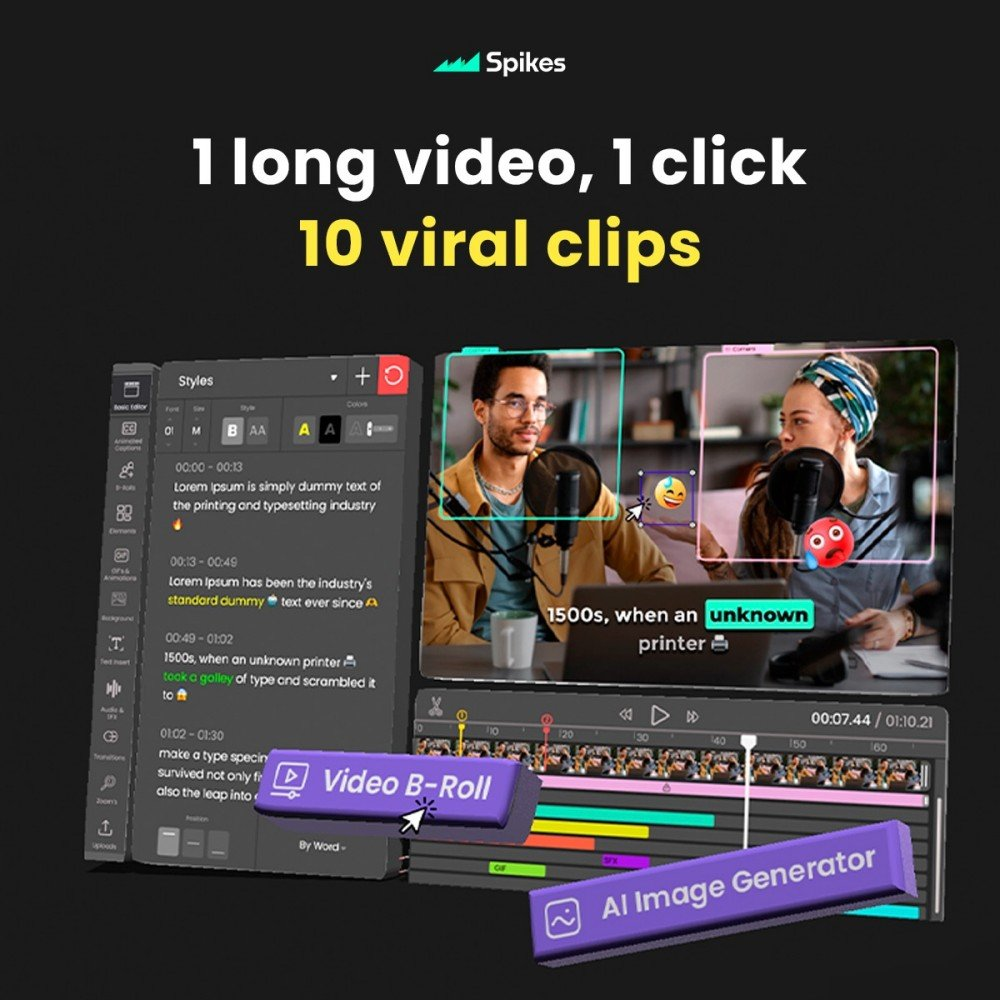
The official site presents long-video clipping, caption styling, reframing, scheduling and analytics. Its FAQ says free exports include a watermark; performance and time-saving figures remain vendor claims.
Who it suits
A useful short needs a complete thought, accurate captions and framing that preserves the relevant subject. Inspect it without relying on memory of the long source. Several attractive near-duplicates should not inflate the count of usable clips.
Try it on a real task
Use a rights-cleared interview with a setup, a nuanced answer and a callback. Compare suggested clips with the context a new viewer would need.
- Save the original input and define acceptable output before viewing a result.
- Count self-contained approved clips, correction time and successful exports, rather than predicted virality.
- Keep rejected attempts and the reasons for corrections, so the final choice reflects the whole workload.
The main limitation to inspect
A strong opening may omit a qualification later in the answer. Scheduling access also needs a separate permissions check.
Pricing and purchase checks
Capture the current price, billing commitment, usage unit and feature gates for the operation you need. Include repeat attempts, exports and review time. Confirm the selected plan before relying on an allowance.
Related tools and workflow differences
- Klap: Long-Video Clips, Reframing and Caption Review — Creators repurposing an existing spoken video into self-contained vertical clips.
- Jupitrr AI: Talking-Head Editing and B-Roll Fit — Experts turning a clear spoken explanation into an edited social video with relevant supporting visuals.
- Filmora: Timeline Editing and AI Feature Costs — Creators who need a conventional editable timeline plus selected automation features.
Does finding a dramatic moment make it a good short?
Not necessarily. Check whether the clip preserves the speaker’s meaning and contains enough context for someone who has not watched the full source.
Sources and disclosure
Based on official product information. Confirm account-specific features and allowances before choosing a plan.
Public sources checked October 19, 2026. Use the suggested trial and checklist to evaluate your own results. No accuracy, revenue, time-saving or output-quality score is assigned.
Read our evidence and correction standards · Download the purchase checklist